NISIO AI Passport
About the Project
NISIO AI Passport
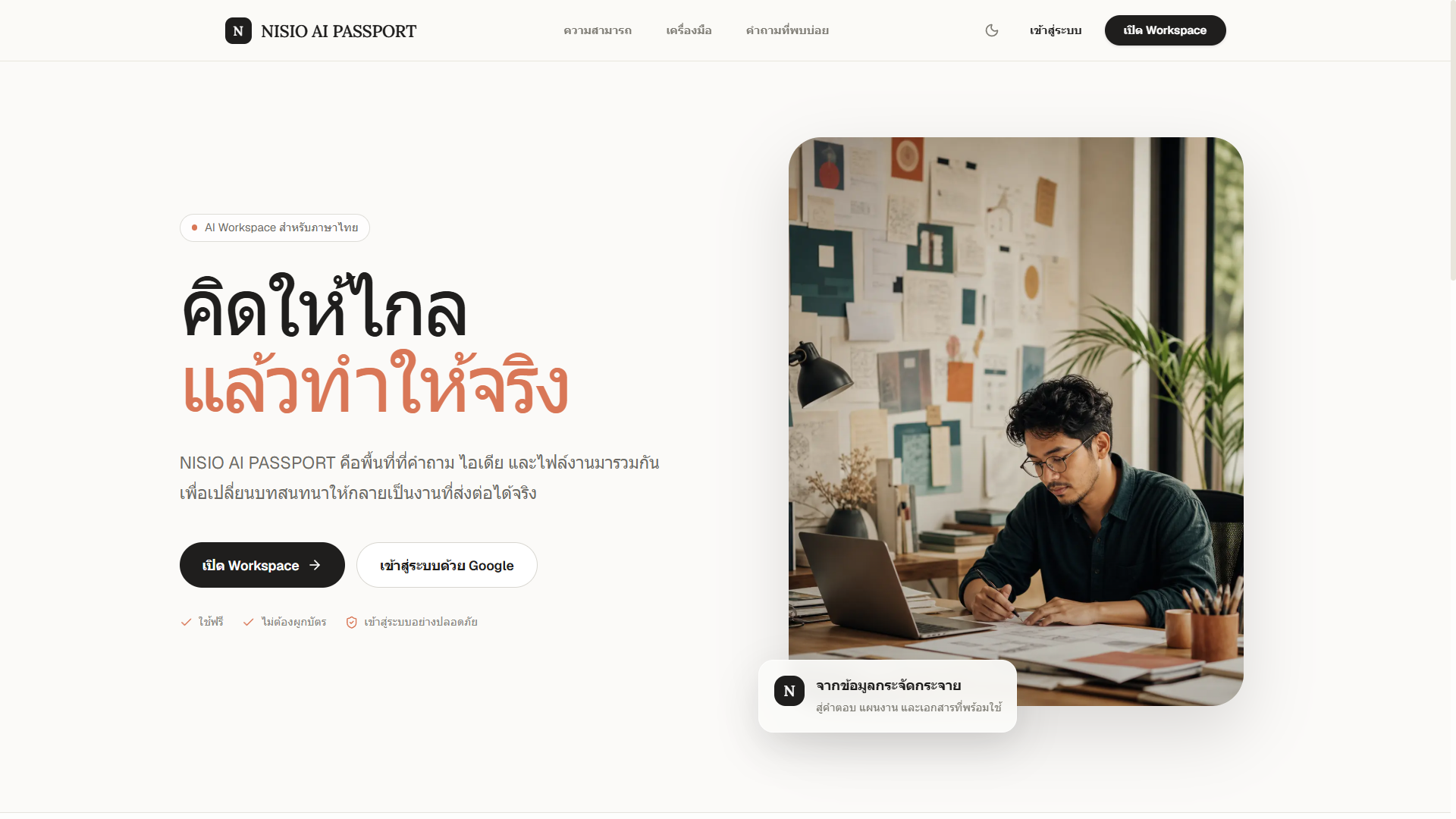
NISIO AI Passport is a high-performance, developer-centric, and visually minimalist AI Chat platform. Built on the modern Next.js 16 (App Router) and React 19 stack, it features an advanced multi-provider model integration, a built-in search-grounded RAG pipeline, client-side message version branching, inline diagram rendering, and highly resilient backend API key/model failover logic.
🌟 Key Features
1. Dual AI Provider Architecture
The application integrates two robust AI provider networks through @ai-sdk/openai-compatible:
- NVIDIA NIM API (Primary): Connects to NVIDIA's high-speed inference microservices, supporting specialized Llama, Nemotron, Gemma, Stepfun, and FLUX models.
- OKMD AI Playground (Secondary): Connects to Khon Kaen University's AI Gateway (
https://gen.ai.kku.ac.th), unlocking frontier models such as Claude 4.6 Sonnet, Gemini 3.5, AWS Nova, Perplexity Sonar, and xAI Grok.
2. High-Resilience Key & Model Failovers
To guarantee zero-downtime streaming, the backend integrates advanced fallback mechanics inside src/lib/nvidia.ts:
- Dual-Key Failover: If a primary key (
NVIDIA_API_KEY) hits rate limits (429) or billing limits (401, 402, 403), requests automatically retry with a secondary key (NVIDIA_API_KEY2). - Model Auto-Routing: When utilizing
automode or choosing a model that goes offline or gets rate-limited, the system automatically walks down a ranked fallback order (autoModelOrder) until it finds an online model to complete the request.
3. Custom Search RAG Scraper (Web Search)
When web search is toggled in the UI or automatically triggered by search intents (e.g. เสิร์ช, ค้นหา, google, lookup):
- DuckDuckGo Scraping: The server queries DuckDuckGo's HTML search interface and parses titles, URLs, and snippets.
- SearXNG Fallback: If DuckDuckGo fails, the system automatically polls private/public SearXNG search instances in a fallback chain.
- Page Content Fetcher: The scraper crawls up to 4 resolved source pages, strips scripts/styles/HTML tags, compiles a clean 1,400-character text excerpt per page, and feeds this live context directly to the LLM's system prompt.
4. Vision Transcriber (Non-VL Model Fallback)
If you send base64 images to a text-only model:
- A fast vision model (
nvidia/nemotron-nano-12b-v2-vlorgoogle/gemma-3n-e4b-it) is intercepted automatically. - It transcribes and objective-analyzes the image's text, layout, and visual contents.
- The descriptions are embedded into the database message within a structured comment (
<!-- IMAGE_DESCRIPTIONS_START -->) and automatically appended to the context.
5. Enhanced FLUX.1 Image Generation
- Detects prompts starting with image-generation intent (e.g., สร้างรูป, วาดรูป, เจนรูป, create image).
- Translates and enhances the prompt into a detailed, high-quality 35-word stable-diffusion/FLUX prompt using
llama-3.1-8b-instruct. - Fetches the generated base64 image from NVIDIA's FLUX.1-schnell model and streams it inline to the user.
6. Message Branching & Versioning
Users can edit any historical message in a conversation.
- Editing an old message deactivates subsequent messages, forks a new branch, and generates a new stream.
- The database keeps track of version groups and version numbers.
- Users can switch between responses dynamically via a paginator control (
< 2/3 >) in the UI.
7. Performance Benchmarking
Every streamed AI completion appends a structured JSON metrics block. The UI extracts this to show:
- TPS: Tokens Per Second generated.
- TTFT: Time to First Token (in milliseconds).
- Duration: Total generation time (in seconds).
- Tokens: Total tokens consumed.
8. Rich Client Rendering
- Mermaid.js Diagrams: Dynamically parses and renders flowcharts, sequence diagrams, and graphs inside chat bubbles.
- KaTeX Equations: Standard math and science equations render natively in markdown using KaTeX.
- HTML Tables: Fully-responsive styled tables with hover rows and copying abilities.
- Sidebar Folders: Drag-and-drop or move chats into folders with custom sort orders and pins.
🛠️ Technology Stack
| Layer | Technology | Description |
|---|---|---|
| Framework | Next.js 16 (App Router) | React server components, route handlers, and middleware |
| Language | TypeScript | Type safety across client and database layers |
| Styling | Tailwind CSS v4 & PostCSS | Next-gen utility styling with custom color tokens |
| State Management | Zustand | Single-source-of-truth stores for chat and sidebar state |
| AI Integration | Vercel AI SDK (ai) | Stream handlers, token tracking, and structured generators |
| Database | PostgreSQL | Relational database (compatible with Neon Serverless) |
| ORM | Drizzle ORM & Kit | Schema definitions, migrations, and Studio GUI |
| Auth | NextAuth.js v5 (Beta) | Secure Google OAuth credentials routing |
📂 Project Structure
├── public/                 # Static assets (logo, preview images)
├── src/
│   ├── app/                # Next.js App Router
│   │   ├── (chat)/         # Protected Chat workspace routes
│   │   │   ├── [conversationId]/
│   │   │   │   └── page.tsx# Main chat layout for existing chats
│   │   │   ├── chat/
│   │   │   │   └── page.tsx# Main chat layout for new chats
│   │   │   └── layout.tsx  # Workspace sidebar shell
│   │   ├── api/            # API Route Handlers
│   │   │   ├── auth/       # NextAuth endpoints
│   │   │   ├── chat/       # Core stream/search/vision handler
│   │   │   ├── conversations/ # Conversation management CRUD
│   │   │   ├── folders/    # Folders management CRUD
│   │   │   ├── messages/   # Messages management & versioning
│   │   │   ├── settings/   # User settings API
│   │   │   └── share/      # Public snapshots generator
│   │   ├── login/          # Google Login gateway page
│   │   ├── share/[shareId]/# Public shared snapshot viewer
│   │   ├── globals.css     # CSS root & variables for light/dark mode
│   │   ├── layout.tsx      # Root application template wrapper
│   │   └── page.tsx        # Public marketing landing page
│   ├── auth.ts             # NextAuth configuration and callbacks
│   ├── proxy.ts            # Middleware routing protection checks
│   ├── components/         # React Components
│   │   ├── chat/           # ChatArea, ChatInput, ChatMessage, ModelSelector, WelcomeScreen
│   │   ├── layout/         # Sidebar, drag-and-drop folder organizers
│   │   ├── markdown/       # MarkdownRenderer, MermaidBlock, Math styles
│   │   ├── modals/         # SettingsModal, ShareModal, FolderModal, DeleteConfirmModal
│   │   └── shared/         # Common wrapper providers
│   ├── db/                 # Database Layer
│   │   ├── index.ts        # Node-postgres Drizzle database initialization
│   │   ├── schema/         # Schema tables (users, folders, conversations, messages, sharedLinks)
│   │   └── migrations/     # Auto-generated SQL migration files
│   ├── hooks/              # Custom React Hooks (useKeyboardShortcuts)
│   ├── lib/                # Third-party wrappers (models list, nvidia, okmd)
│   ├── stores/             # Zustand Stores (chatStore, sidebarStore)
│   └── types/              # TS Type extensions
├── drizzle.config.ts       # Drizzle CLI Kit settings
├── eslint.config.mjs       # Linting rules
├── next.config.ts          # Next.js configurations
└── tsconfig.json           # TS Compiler configuration
🗄️ Database Schema & Relationships
The relational Postgres schema is defined inside src/db/schema/ using Drizzle ORM:
erDiagram
    users {
        uuid id PK
        varchar google_id UK
        varchar email UK
        varchar name
        text avatar_url
        text custom_instructions
        varchar default_model
        varchar theme
        boolean send_on_enter
        timestamp created_at
        timestamp updated_at
    }
    folders {
        uuid id PK
        uuid user_id FK
        varchar name
        integer sort_order
        timestamp created_at
        timestamp updated_at
    }
    conversations {
        uuid id PK
        uuid user_id FK
        uuid folder_id FK
        varchar title
        boolean is_pinned
        boolean is_shared
        varchar share_id UK
        text system_prompt
        varchar model
        timestamp created_at
        timestamp updated_at
    }
    messages {
        uuid id PK
        uuid conversation_id FK
        varchar role
        text content
        varchar model
        uuid parent_message_id
        varchar version_group
        integer version_number
        boolean is_active
        timestamp created_at
    }
    shared_links {
        uuid id PK
        uuid conversation_id FK
        varchar share_id UK
        timestamp created_at
        timestamp expires_at
    }

    users ||--o{ folders : "has"
    users ||--o{ conversations : "owns"
    folders ||--o{ conversations : "contains"
    conversations ||--o{ messages : "has"
conversations ||--o{ shared_links : "has"- Cascading Deletes: Deleting a user cascades and deletes all folders and conversations. Deleting a conversation deletes all messages and shared links.
- Version Branching: In
messages,version_groupmaps messages originating from the same prompt, whileis_activemarks which branch is rendered in the UI.
🚀 Getting Started
Prerequisites
- Node.js: v18.x or later (v20+ recommended).
- PostgreSQL Database: A running instance (e.g. Supabase, Neon, or local).
1. Installation
Clone the repository and install the dependencies:
npm install2. Environment Setup
Copy the example environment file:
cp .env.example .envFill in the credentials in .env:
DATABASE_URL: Your PostgreSQL connection string.AUTH_SECRET: Generate a cryptographically secure key (e.g.,openssl rand -base64 33).AUTH_GOOGLE_ID&AUTH_GOOGLE_SECRET: OAuth credentials from Google Cloud Console.NVIDIA_API_KEY: API key from NVIDIA NIM Developer Console.OKMD_API_KEY: API key from Khon Kaen University (KKU) AI Playground.
3. Run Database Migrations
Initialize schemas and push changes to your Postgres database:
# Generate SQL migration scripts
npm run db:generate

# Execute migrations on your database
npm run db:migrate
(Optional) Open the database explorer to manage tables:
npm run db:studio4. Start Development Server
npm run devOpen http://localhost:3000 in your browser to launch the application.
📄 License
This project is proprietary. Developed by NISIO SOLUTION. All rights reserved.